Library Mobile App
Courtright Memorial Library’s “Library Mobile” app provides on-the-go access to books, journal articles, e-books, research databases, and more, right from your mobile phone or tablet. Made possible by a partnership with the OhioLINK library consortium, and powered by CampusM by Ex Libris, the app is now available on both iOS and Android devices.
Features include:
- Search the entirety of Otterbein’s collection of books, journals, CDs/DVDs, and more.
- Find and request materials from the entire OhioLINK consortium of academic libraries and the SearchOhio consortium of public libraries.
- Check on due dates, hold requests, and renew items directly in-app.
- Get instant notifications when holds and item requests are available.
- Keep up to date on events and programs happening at Courtright Memorial Library.
- Get help navigating Otterbein with a detailed campus map.
Have an issue with the Library Mobile app? Contact us at 614-823-1215, or email library@otterbein.edu.
Installation & Login Instructions
Installing and Setting Up the Library Mobile App
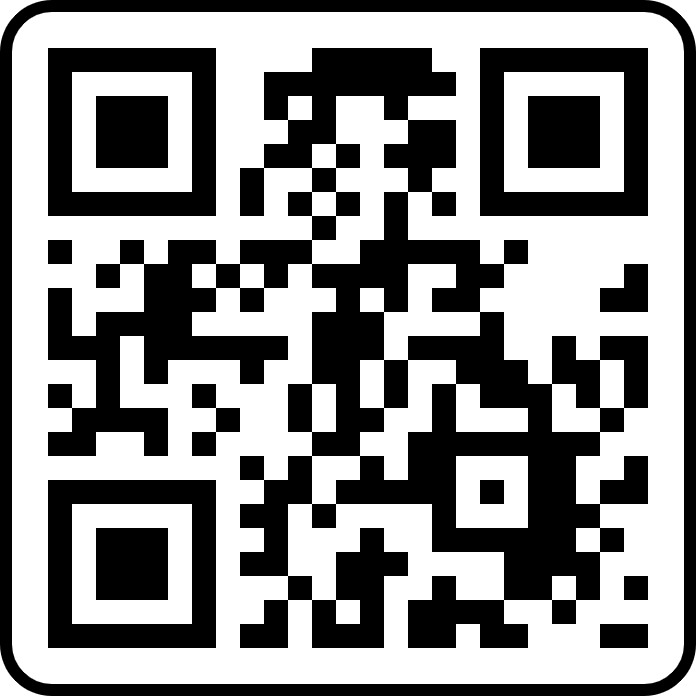
Ready to get started with the Library Mobile app? Head over to the iOS App Store or the Google Play store for Android devices, or scan the QR code on this page with your smartphone camera! (The install page will say “OhioLINK Libraries”; don’t worry, that’s correct. The base app is shared between all OhioLINK institutions.) Alternatively, you can search for “OhioLINK Libraries” in your device’s app store; it’ll get you to the same place.
Once you’ve installed the app, it’s time to set it up. Open up the app on your smartphone or tablet, and use the search bar provided to look up “Otterbein University”. Then, if you’re a student, faculty, or a staff member, you’ll select “Otterbein SSO Login,” then use your Otterbein email address and password to log in. If you’re a Friend of the Library (FoL) or other community member with borrowing privileges, you’ll use your library card number and its associated password to log in. (If you’re a FoL/community member, and you have a card number but no password, please send an email to library@otterbein.edu, or call 614-823-1215.)
That’s it! You now have access to Courtright Memorial Library’s entire catalog, plus the entire OhioLINK network of libraries, all on your smartphone or tablet! If you’re having trouble using the app, see the “Frequently Asked Questions” section below.
Frequently Asked Questions
Q: I’m trying to search for a book using “Search” at the bottom of the screen, but it doesn’t find anything. Is the app broken?
A: Nope! To search the library catalogue, tap where it says “Tap Here for OneSearch” on the tile towards the top of the screen. The “Search” option with the magnifying glass at the bottom only searches the extra information in the app like “Services” and “Open Hours.”
Q: Can I reorganize the order of tiles in the app?
A: Yes! Tap the three dots in the top right corner of the app and select “Arrange” to bring up an interface that will let you reorder or remove tiles. Tap “Done” when you’re finished to save your layout, or tap “Reset” to return the layout to its default state.
Q: I’m having an issue that I can’t resolve! (Or there’s a link broken, or I don’t understand how a feature works, etc.) Help!
A: Don’t worry! Contact library@otterbein.edu with a description of your issue, including any error messages or codes you’re seeing. (Screenshots help!) We’ll get back to you as soon as we can with a solution.
Contact the Library
138 West Main Street.
Westerville, OH 43081
614-823-1215
library@otterbein.edu
Comments, Suggestions?